
DTG/POD Halftone Converter

Check black-garment prints in the browser—then move to a halftone-ready file automatically.

  • Catch risky detail before you order samples
  • Preview and convert in the browser—no install
HALFTONE preview screen

Looks great on screen, weak in print—why?

Stop paying for sample loops.

Launch HALFTONE

When black garments punish detail,

Notice it.

Digital art often carries more information than fabric can hold—especially on dark cotton.
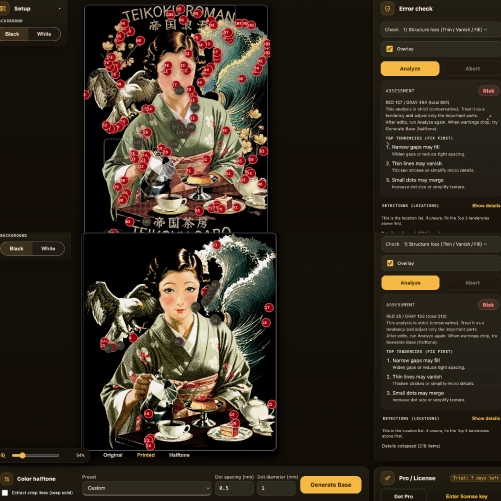
Pre-flight check concept

Balance tone, white base, and detail

Tune it.

Preflight uses halftone thinking to bring your art toward a printable density.
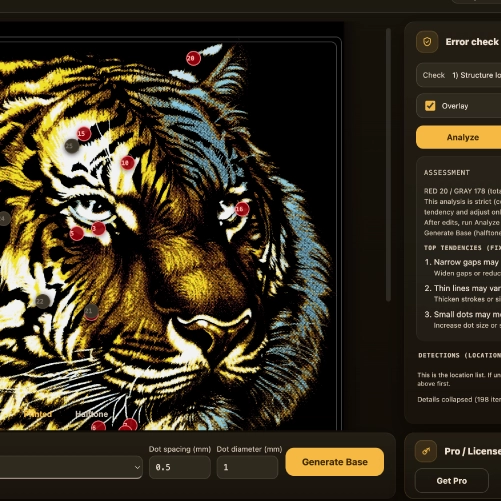
Risk visualization

In the browser, before you ship

Commit with confidence.

Aim for a proud print—not a muddy tee that “looked fine” in RGB.
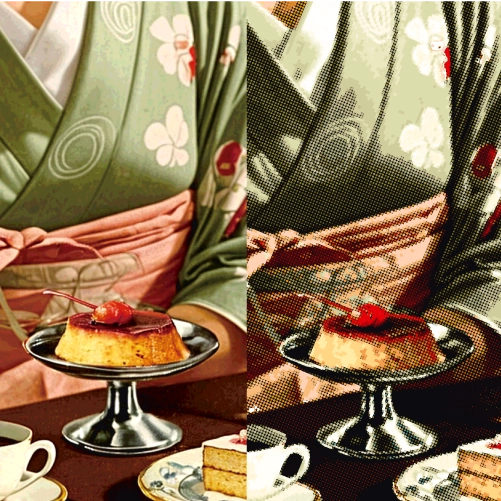
Comparison concept

You keep drawing the good art.
We handle the hard part.

Launch HALFTONE

In the browser

Load your file.

Upload and start checking black-garment behavior right away.
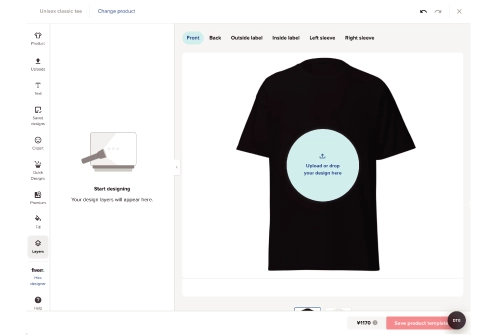
Upload step

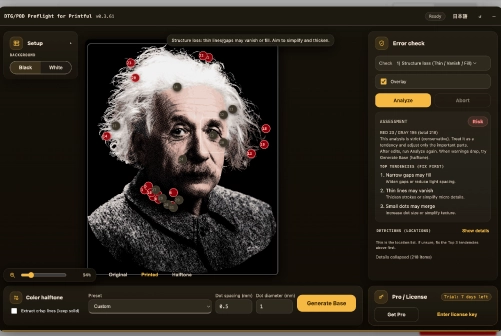
Analyze

See what breaks.

Preview how tone, white underbase, and fine lines will read on dark fabric.
Analyze step

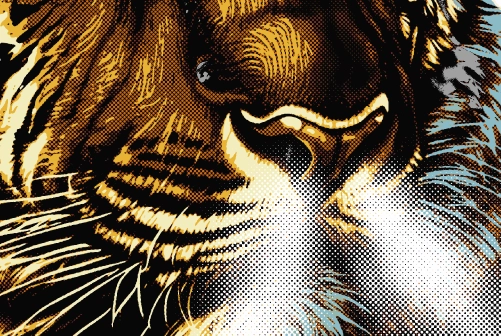
Convert

Generate a halftone path.

After review, convert toward a halftone-friendly separation for better black prints.
Convert step

FAQ

Q. What does this tool do?
It preflights black-garment DTG/POD in the browser and helps you move toward a halftone-ready file.
Q. Why focus on dark garments?
White ink underbase and garment texture change how detail survives—this workflow targets that risk early.
Q. What improves?
You can judge tone, underbase needs, and fine detail before you pay for physical samples.
Q. Is it “one click perfect”?
It assists conversion—you still review the look and iterate like a print-minded workflow.
Q. Warnings won’t clear—is it broken?
Try view mode / re-analyze. The tool prioritizes helping important parts print, not chasing every warning to zero.