
When black garments make images collapse,
Notice it.
AI and digitally painted artwork can carry more information than fabric can hold. Analyze helps you see what is fragile before you pay to discover it in a sample.
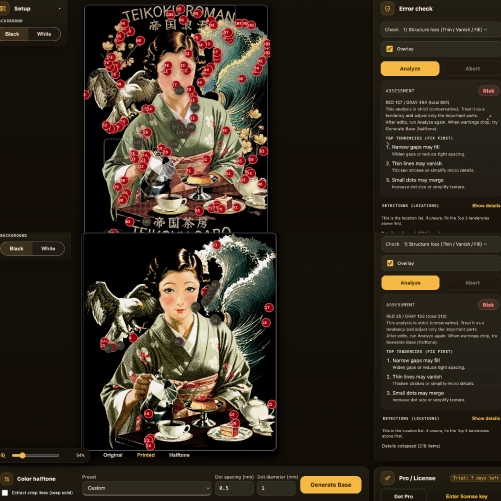
Restore confidence before you place the order
HALFTONE (Color Halftone Print) helps you inspect black-garment prints in the browser and move them toward a halftone-ready separation.

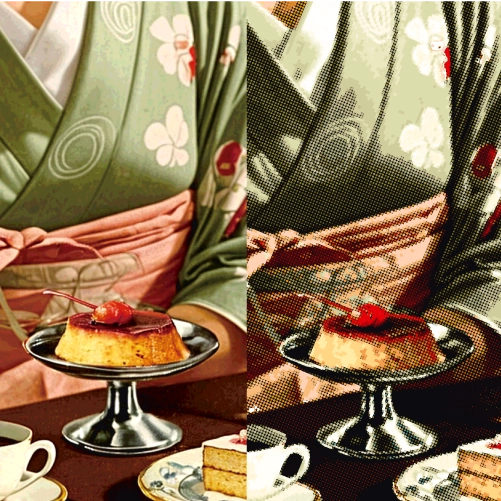
Original on the left, HALFTONE conversion on the right. Drag the slider to compare. Everything is done with one click in the browser — fine-tuning is also possible!


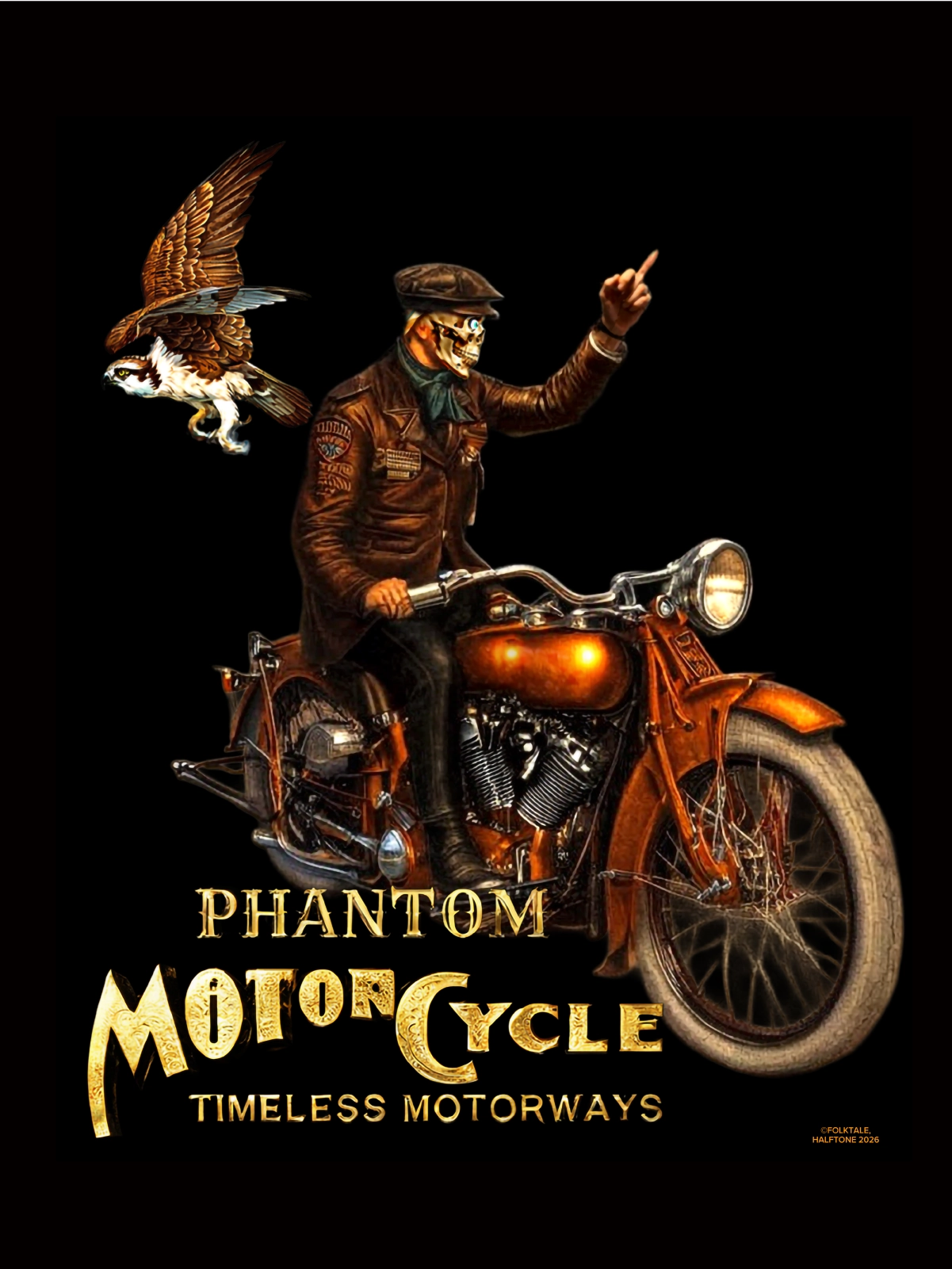
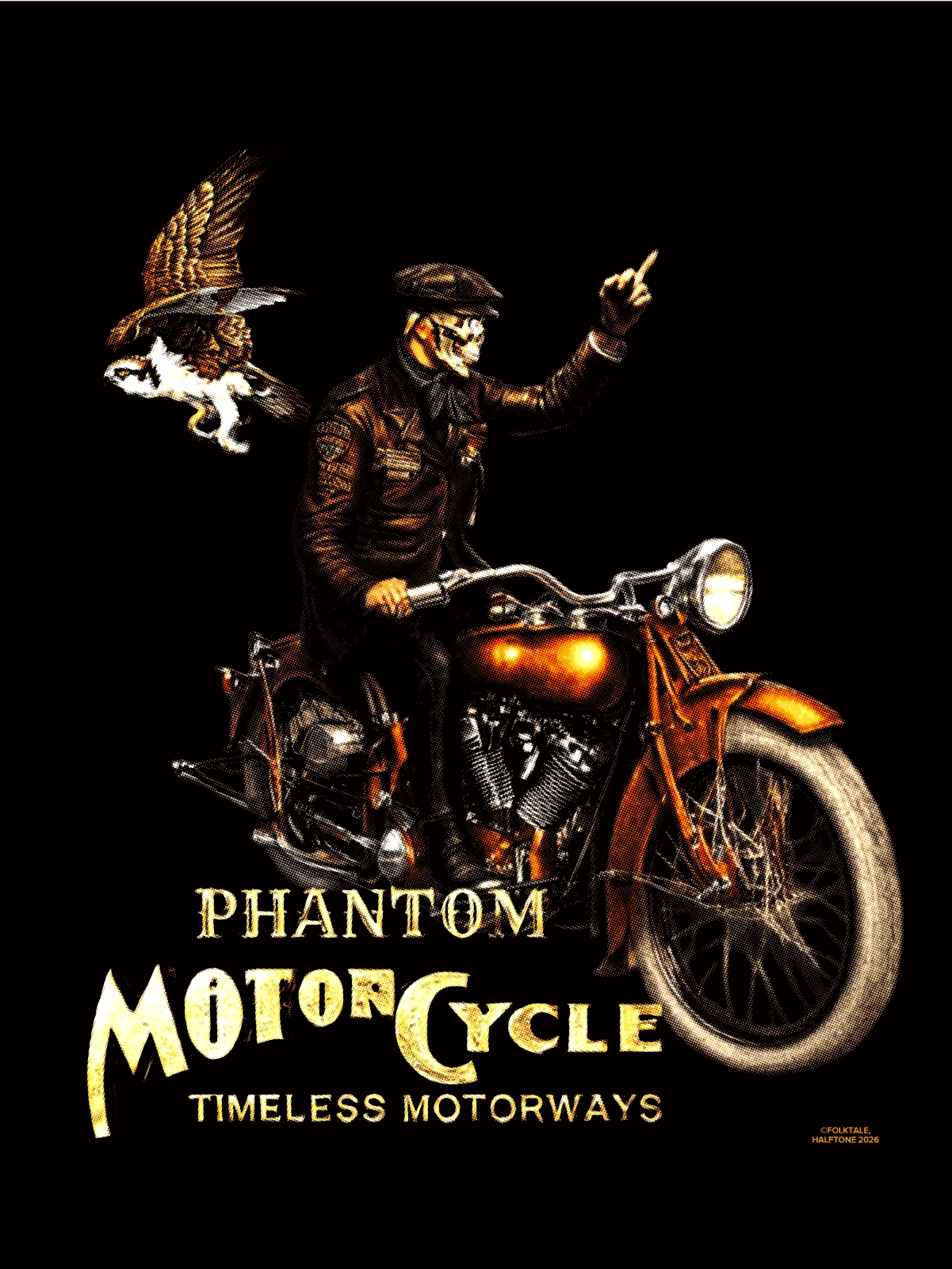


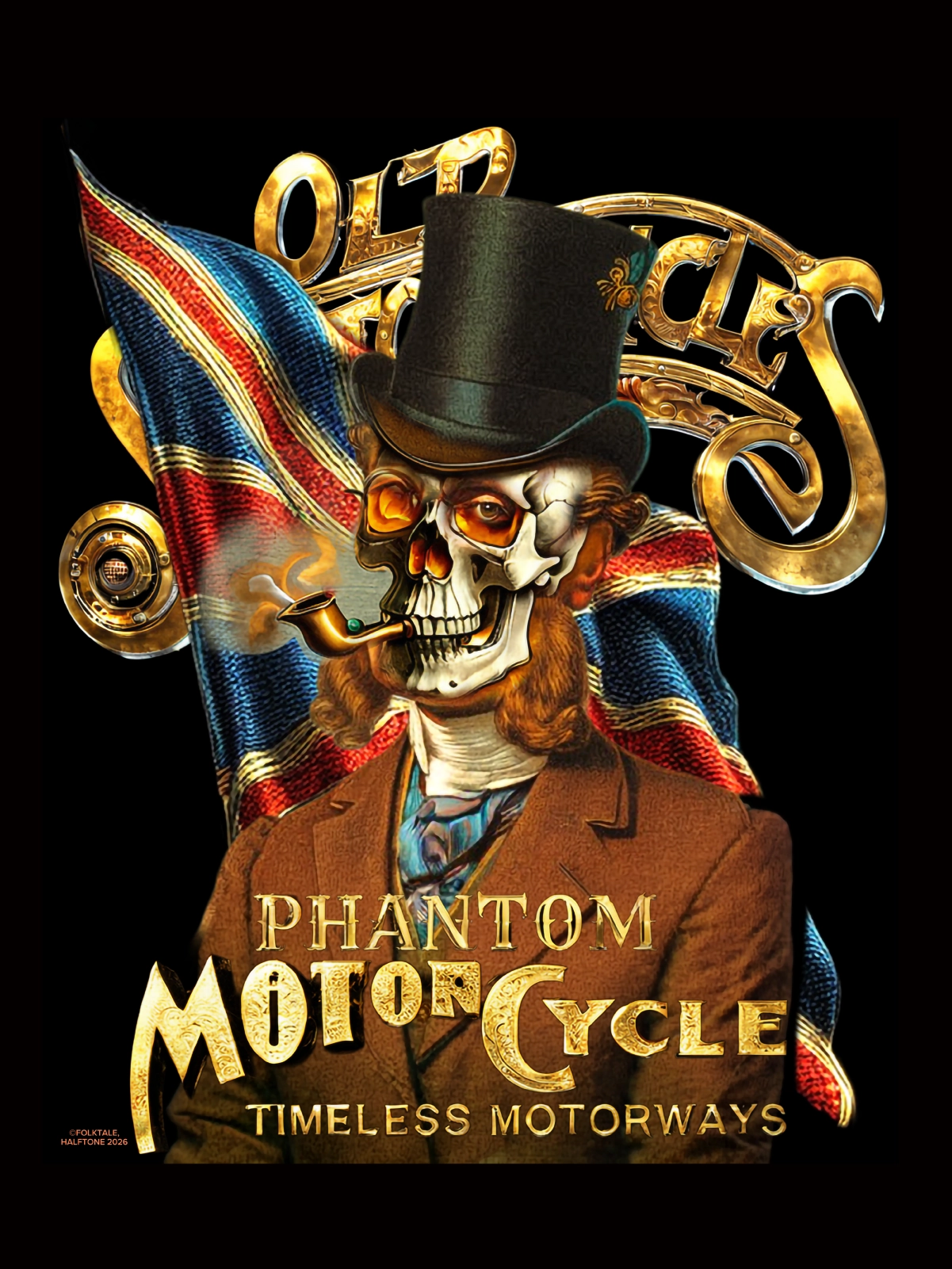
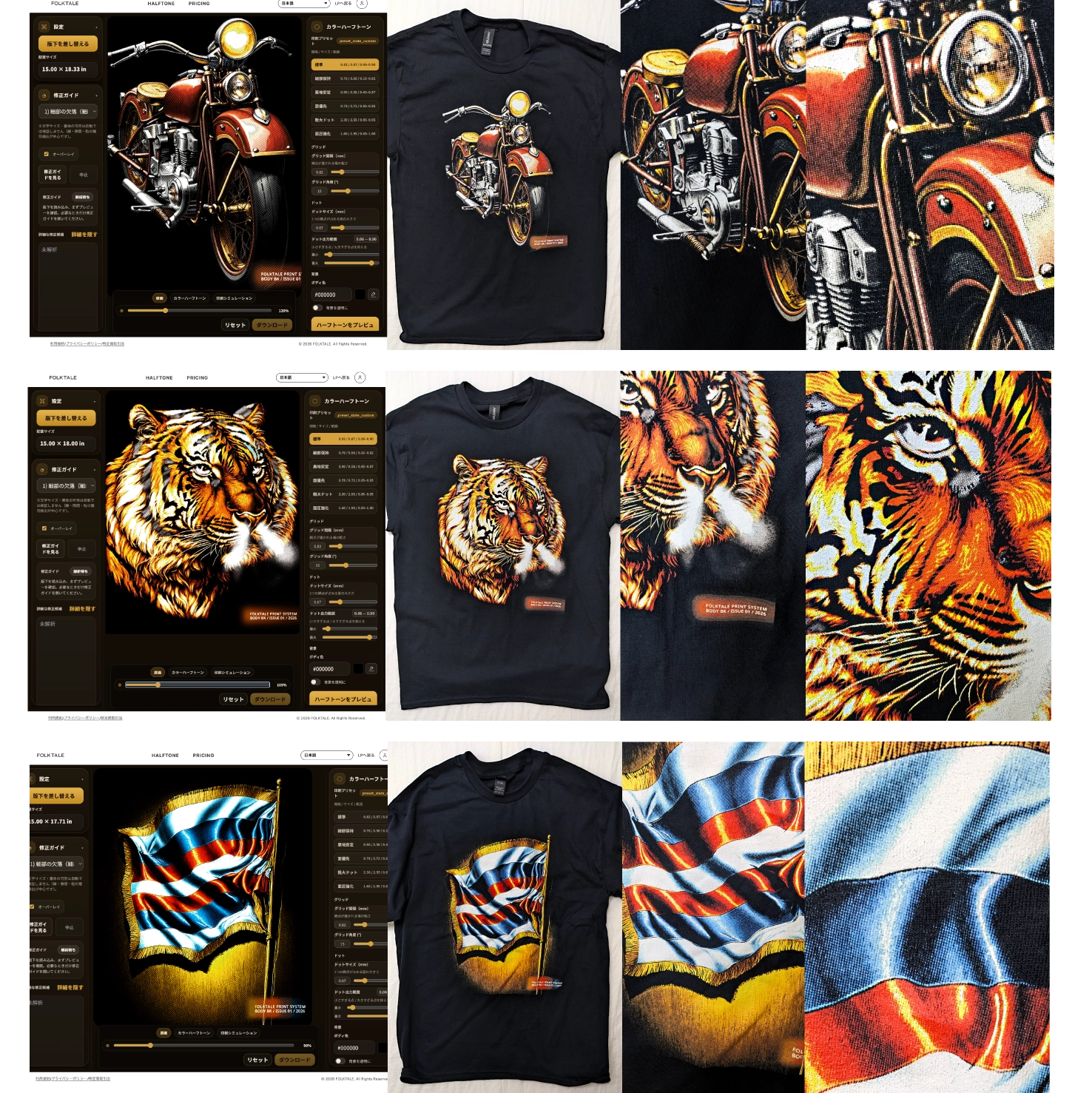
See what tends to happen on black-garment POD, and how inspection leads into halftone conversion. Everything is done with one click in the browser — fine-tuning is also possible!
Emissive RGB on a screen and pigment plus white underbase on fabric are different physics, even when they appear to represent the same image. Tonal compression, crushed fine lines, and missing white support are common problems.
HALFTONE exists so that gap is not blamed on taste alone. Through halftone thinking developed from repeated print observation and vintage garment study, it moves artwork toward a printable information density. There is no long, tangled process. The point is to get there quickly in the browser and reduce the time cost of traditional file-prep work.
Privacy Analysis runs in the browser because creative files deserve care.
Honesty It does not promise one-click perfection. The goal is not to force warnings to zero, but to help the parts that matter survive as a shirt.
When black garments make images collapse,
AI and digitally painted artwork can carry more information than fabric can hold. Analyze helps you see what is fragile before you pay to discover it in a sample.
Tune ink load, tone, and white support
HALFTONE uses halftone logic to move your file toward a printable density. It is not magic. It is a bridge between the file and the real shirt.
Stay in the browser and decide there
The goal is not a muddy shirt that only looked good in RGB. The goal is a result you can stand behind before you place the order.
Directly in the browser
Upload your artwork and read it at the original pixel size. No install is required to start checking black-garment print behavior.
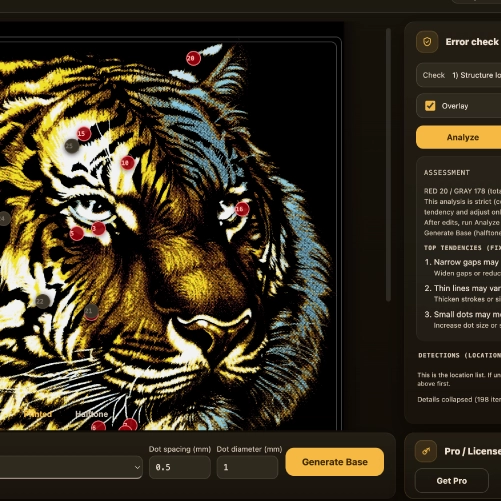
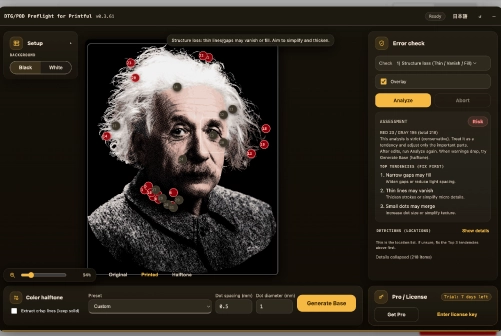
Analyze
Preview ink load, tone, white support, and detail. You can move through only the checkpoints that matter for the artwork in front of you.
Convert your current file
After inspection, move directly toward a halftone-ready file that is better suited to black-garment printing. The final visual judgment still stays with you.
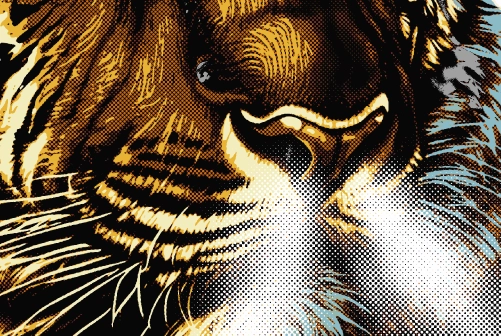
Use real-print comparisons to identify concrete differences before you order.
A repeated Printify and Printful problem is that the mockup looks convincing while the real black-garment DTG print arrives washed out. Before adjusting by instinct, identify where the file will break through a pre-order comparison.
Launch HALFTONE