DTG/POD Halftone Converter

Check dark-garment prints in the browser—then convert to a halftone plate automatically.

  • Catch risky looks on black garments before you order
  • Review and convert in the browser—no upload to us
DTG-POD Preflight preview

Looks great on screen, fails in print—why?

Stop paying for samples
that teach the same lesson twice.

Add from Chrome

For looks that break on black,

notice.

Digital art often carries more information than fabric can hold—especially on dark garments.
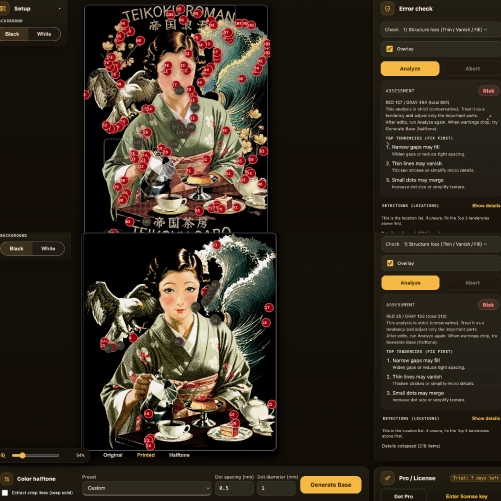
Preflight check

Tune ink load, tone, and white

balance.

Preflight uses halftone techniques to bring your art toward a printable density.
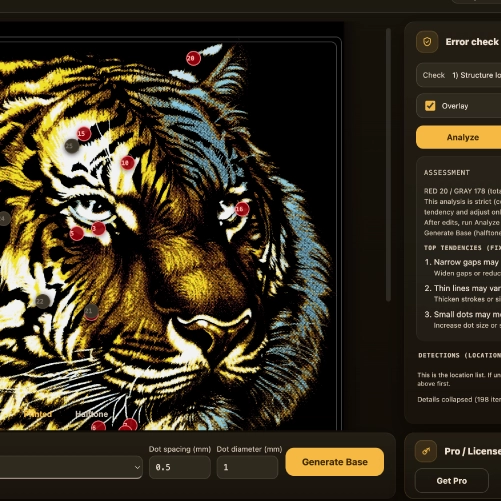
Risk visualization

In the browser

decide.

What ships should be work you’re proud of—not a muddy tee.
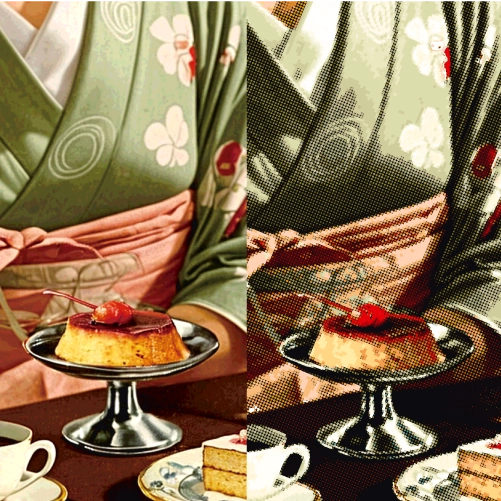
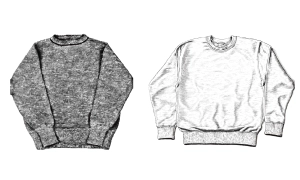
Before and after halftone

Keep drawing good art—
we handle the hard part.

Add from Chrome

From the Chrome extension icon

Load your file.

Upload your image and read its pixel size. Start checking dark-garment output right in the browser.
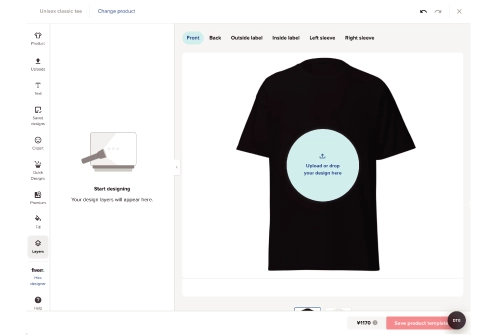
Open submission view

Analyze

Check what breaks.

Preview ink load, tone, white base, and fine detail—the usual failure points on black.
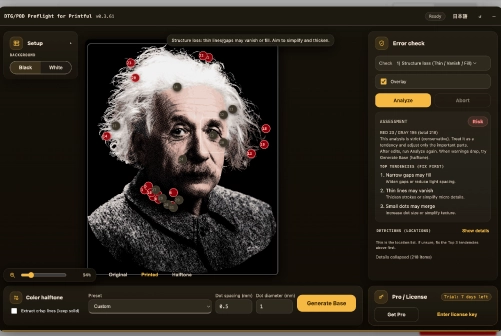
Run Analyze

Convert your file

Generate a halftone plate.

After review, convert toward a halftone separation—closer to a solid dark-garment print.
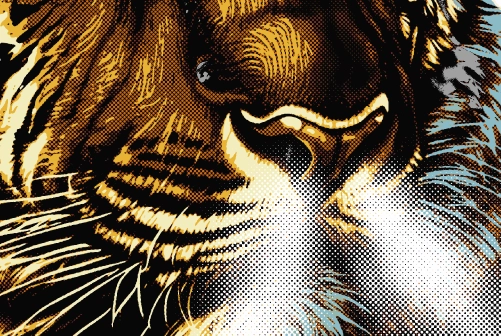
Jump to problem areas

FAQ

What does this tool do?
It preflights dark-garment prints in the browser and helps you move toward a halftone plate automatically.
Why focus on dark garments?
Black and dark fabrics are where detail, white base, and tone fall apart most often—this tool targets that gap.
What improves?
You can review how tone, white, and fine detail will read before you commit to a run—so fewer expensive surprises.
Is the conversion perfect automatically?
Conversion assists you; you still judge the look and adjust as needed.
Warnings won’t clear—is it broken?
Try switching display mode and re-analyzing. The tool prioritizes helping you print important detail—not clearing every flag for its own sake.