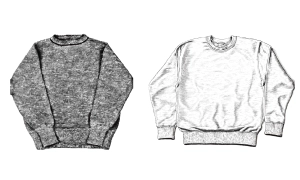
Printfulの入稿前に、やり直しコストを減らす。
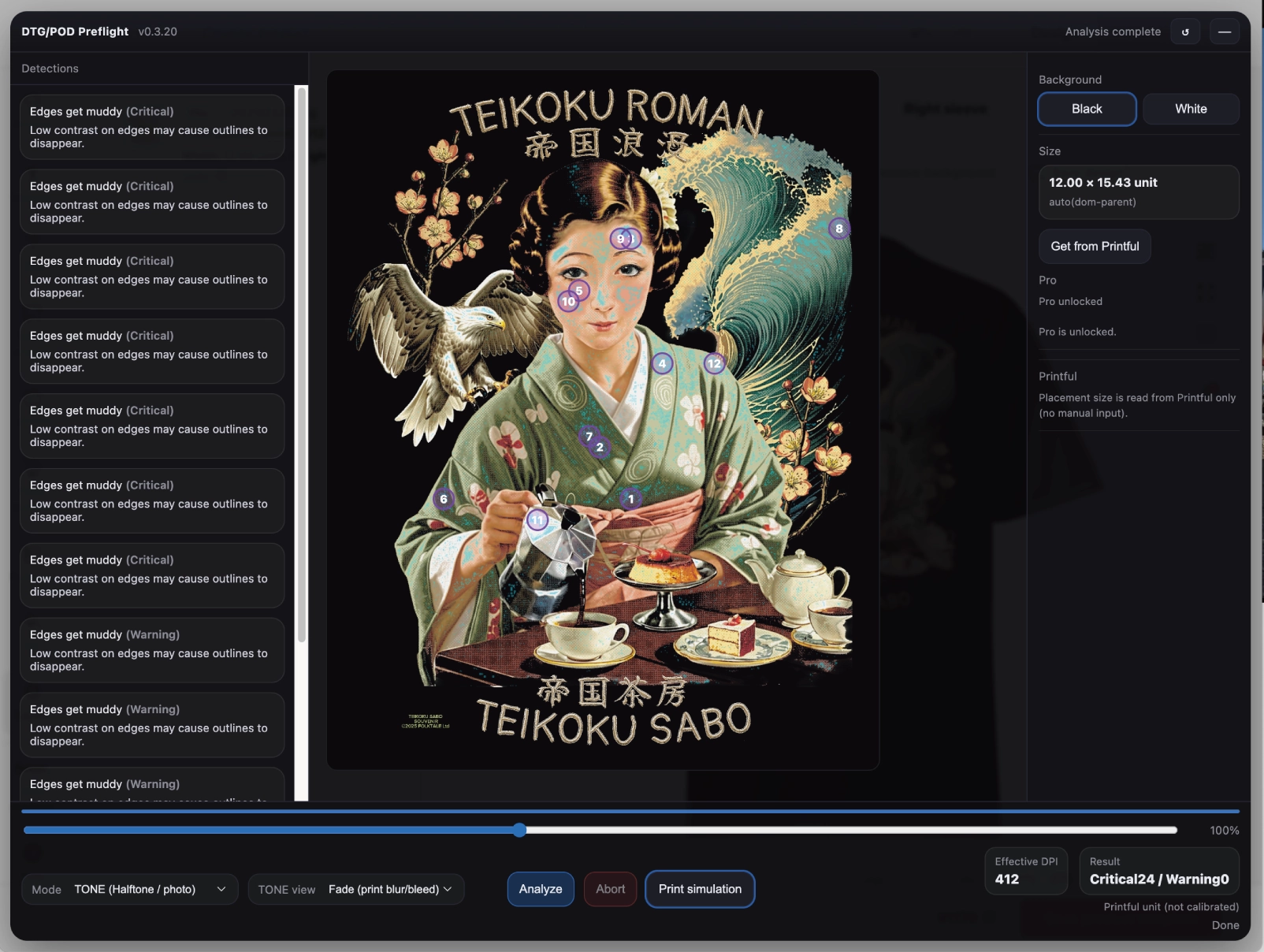
刷ってからでは遅い。入稿前に確認する。
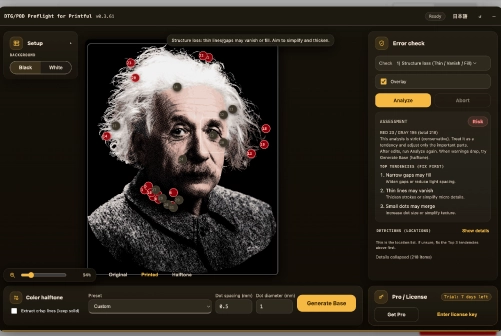
細い線・微細な粒・柔らかい境界は、布上で消失/面化しやすい要素です。入稿前に“危険箇所”を可視化します。
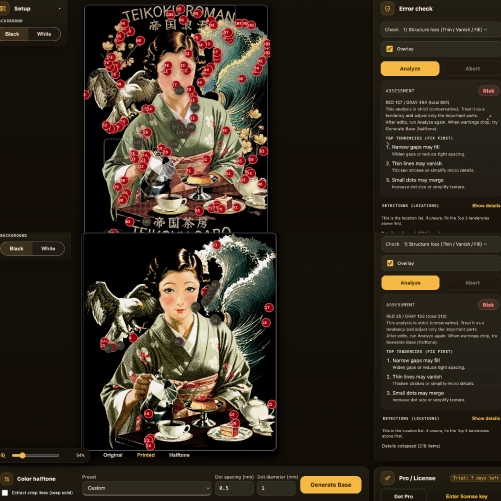
「どこが危険か」を示す。
警告は点(代表点)として提示されます。クリックで該当箇所へ移動し、修正対象が明確になります。
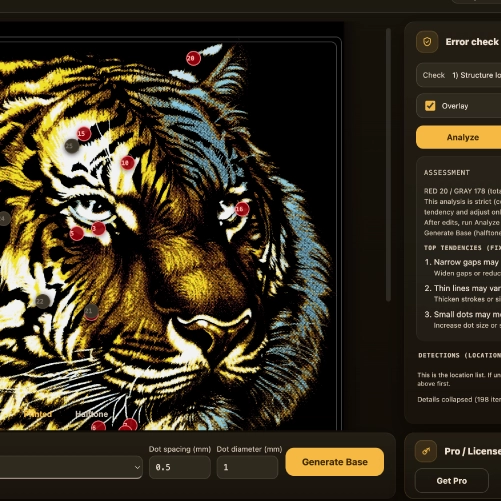
POD-DTGに最適。
点径・間隔を調整して、POD向け網点版下を作成します。

入稿ページを開く
Printfulの入稿ページでデザインをセットするだけで、自動で稼働します。
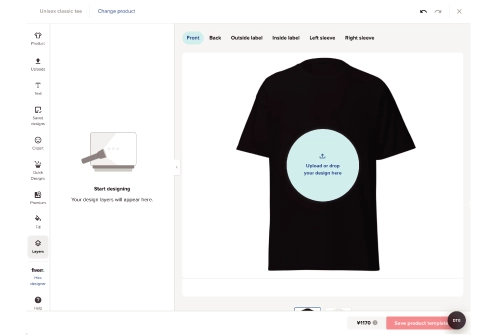
Analyze
解析(Analyze) を押して、警告(Critical/Warning)を表示します。
お持ちの版下を変換
エラーが出ている版下を元に、点の"間隔"と"直径"を調整し、自動で網点の版下を作成します。

Support:使い方(Quick Start)
Quick Start Open Printful and go to the product design/upload page. Upload (or drop) your PNG. The overlay will appear on the Printful page. Click Get from Printful to read placement size / DPI context (when available). Click Analyze to see detections and risk highlights.
Privacy Policy:プライバシー(ローカル処理)
DTG/POD Preflight — Printful Overlay (the “Extension”) runs on Printful pages to help you spot potential DTG/POD print risks before ordering. The Extension processes your design locally in your browser. It does not upload your design image to our servers.