

DTG/POD Print File Checker (Pro)
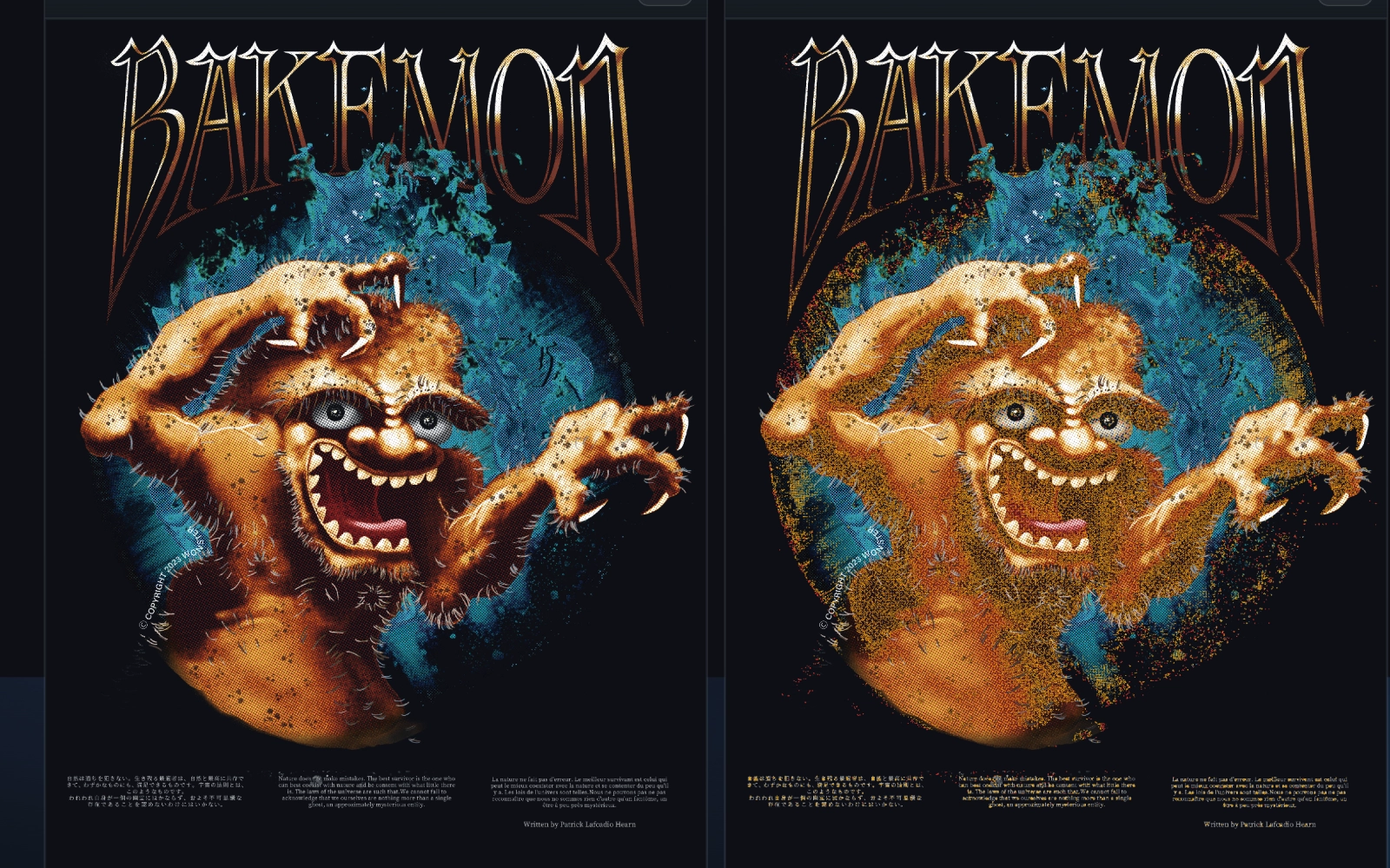
A preflight checker that highlights risk-prone areas in your print file (PNG) using red / orange before submission.
- Before submission: remove common failure triggers (thin lines / tight knockouts & gaps)
- After printing: separate causes quickly — data-related vs process-related (minimum protocol)
Fixable (data-related): thin lines / tight knockouts & gaps (breaks / merges)
Not fixable (process-related): pretreatment streaks / handfeel / shop-to-shop variance
What it does
Load a PNG to detect typical risk factors such as thin lines, small knockouts, tight gaps, and tiny text.
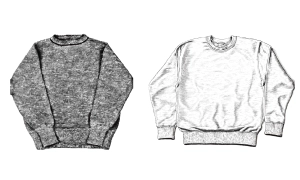
Primary use: DTG/POD prints for T-shirts / sweatshirts.
Note: For paper printing, the reference chart can be used as a design guideline, but the detection logic is tuned for DTG/POD.
It helps reduce
- Thin lines disappearing / breaking
- Gaps filling in and merging
- Tiny text collapsing
- Knockouts (holes) filling in
Included files
- B: Checker (ZIP / HTML)
- A: Minimum artwork rules (1-page PDF)
- C: Pass/Fail + diagnosis protocol for print results (1-page PDF)
How to use (3 steps)
- Prepare your PNG at the intended print size
- Load it and review red/orange highlights
- Fix following the PDF → re-check → submit
Notes
- Results vary by print service / machine / RIP / pretreatment / fabric / batch (no perfect guarantee)
- This tool is a pre-check to reduce common failures; always follow each service’s official requirements
Try for free
Try Lite for the “red/orange detection experience”:
→ Go to Lite