
DTG/POD Print File Checker Lite
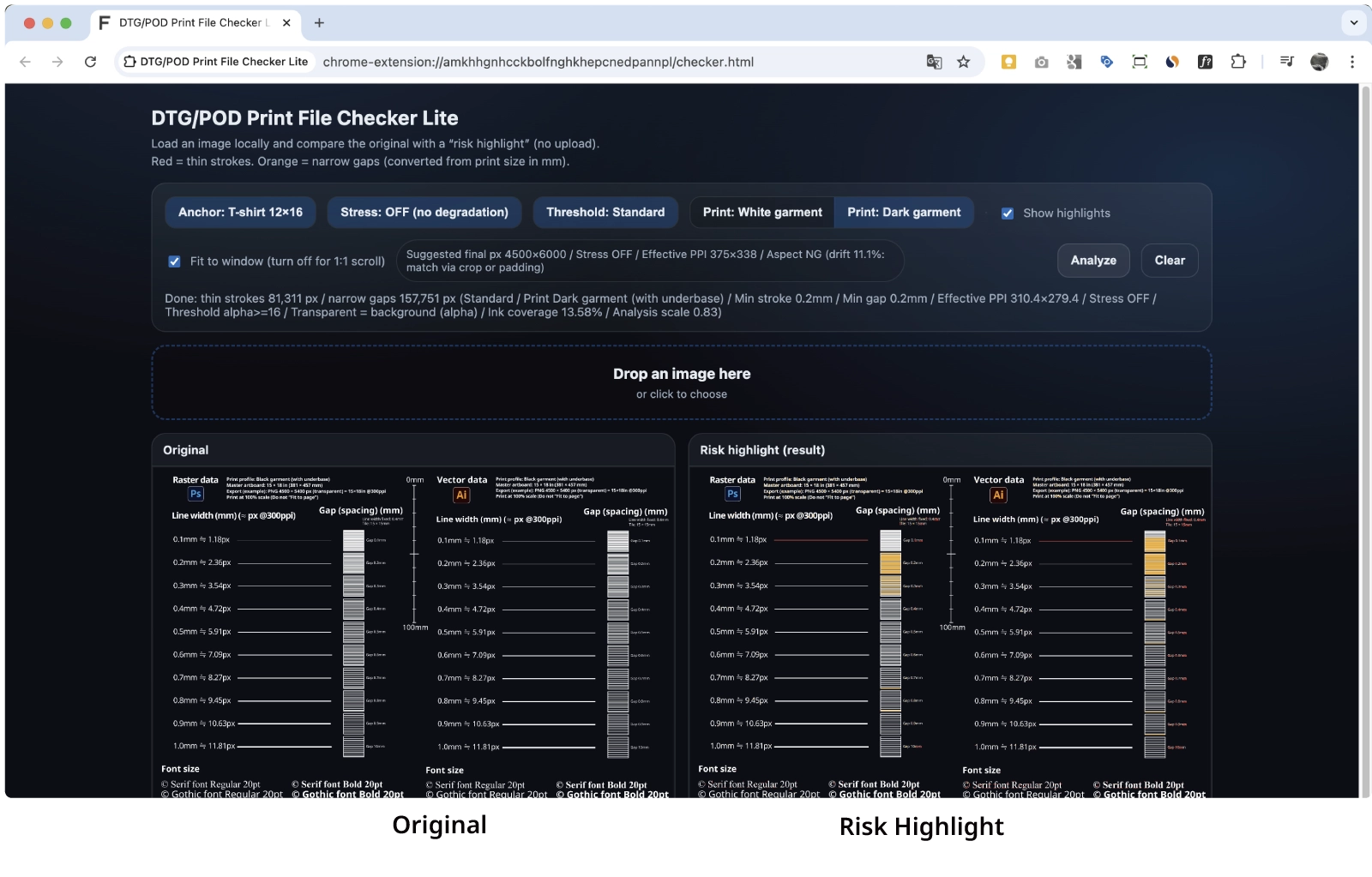
Drag & drop your print file (PNG) into the browser to detect thin lines (red) and tight knockouts / gaps (orange).
Fixable (data-related): thin lines / tight knockouts & gaps (breaks / merges)
Not fixable (process-related): pretreatment streaks / handfeel / shop-to-shop variance
→ Pro includes only a minimal diagnosis protocol for separating data vs process causes.
Pro version
If you submit repeatedly, Pro adds the minimum bundle (A/C) to remove uncertainty.
See Pro
Who this is for
- Sellers / operators who submit print files repeatedly (S2/S3)
- Anyone who wants to reduce “I noticed it after submitting” mistakes
What it checks
- Lines that are too thin (red)
- Knockouts & gaps that are too tight (orange)
- White / Black garment profile switch (with/without underbase assumptions)
- Standard / Strong + Stress (150/200) tests
How to use (3 steps)
- Prepare your PNG at the intended print size
- Load it in the checker and review red/orange highlights
- Fix following the PDF guide → re-check → submit
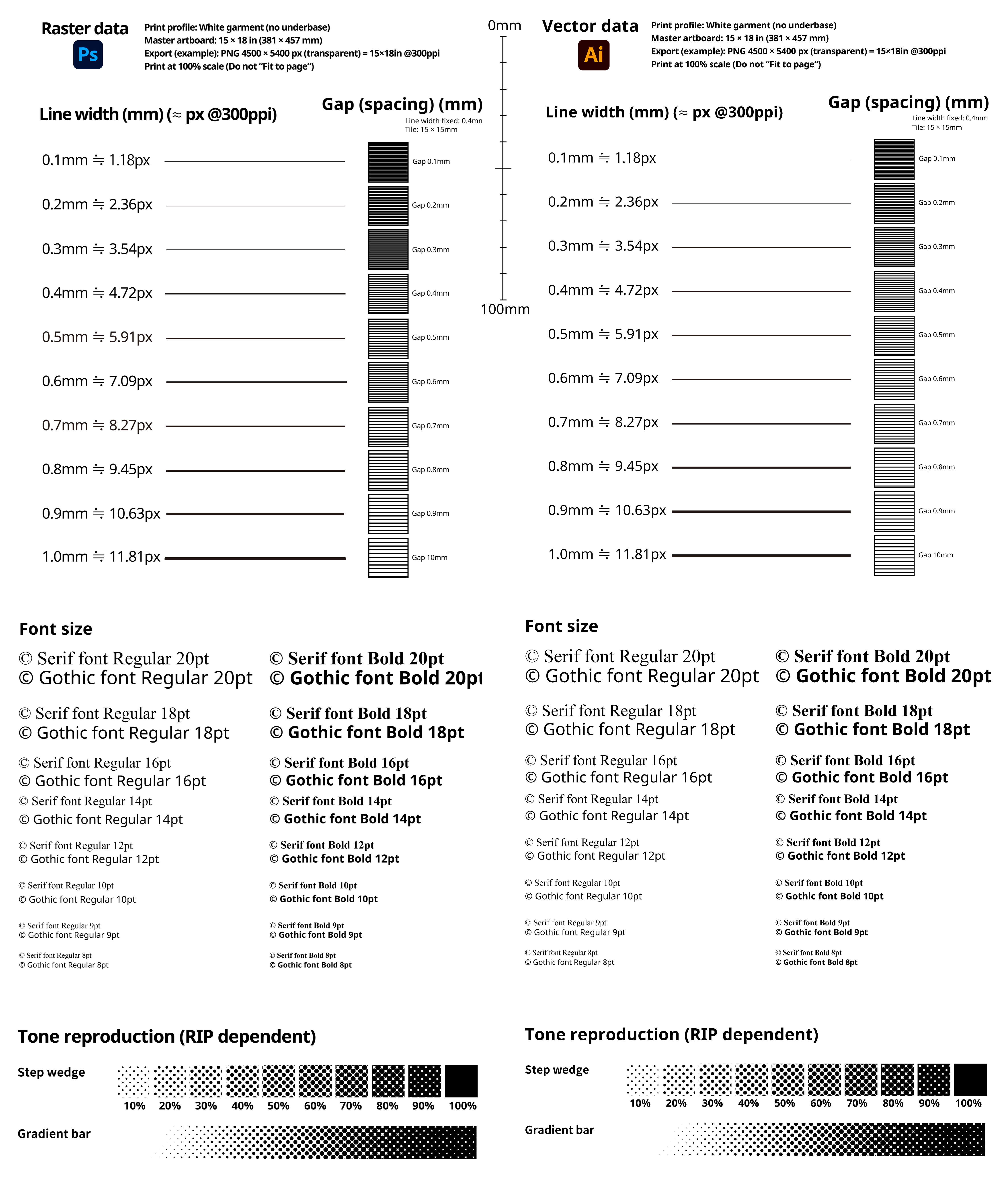
Free downloads (reference charts)
Notes
- Outputs vary by print service / machine / RIP / pretreatment / fabric / batch (no perfect guarantee)
- This tool is a pre-check to reduce common failures; always follow each service’s official submission requirements
- Redistribution / re-upload / resale is prohibited